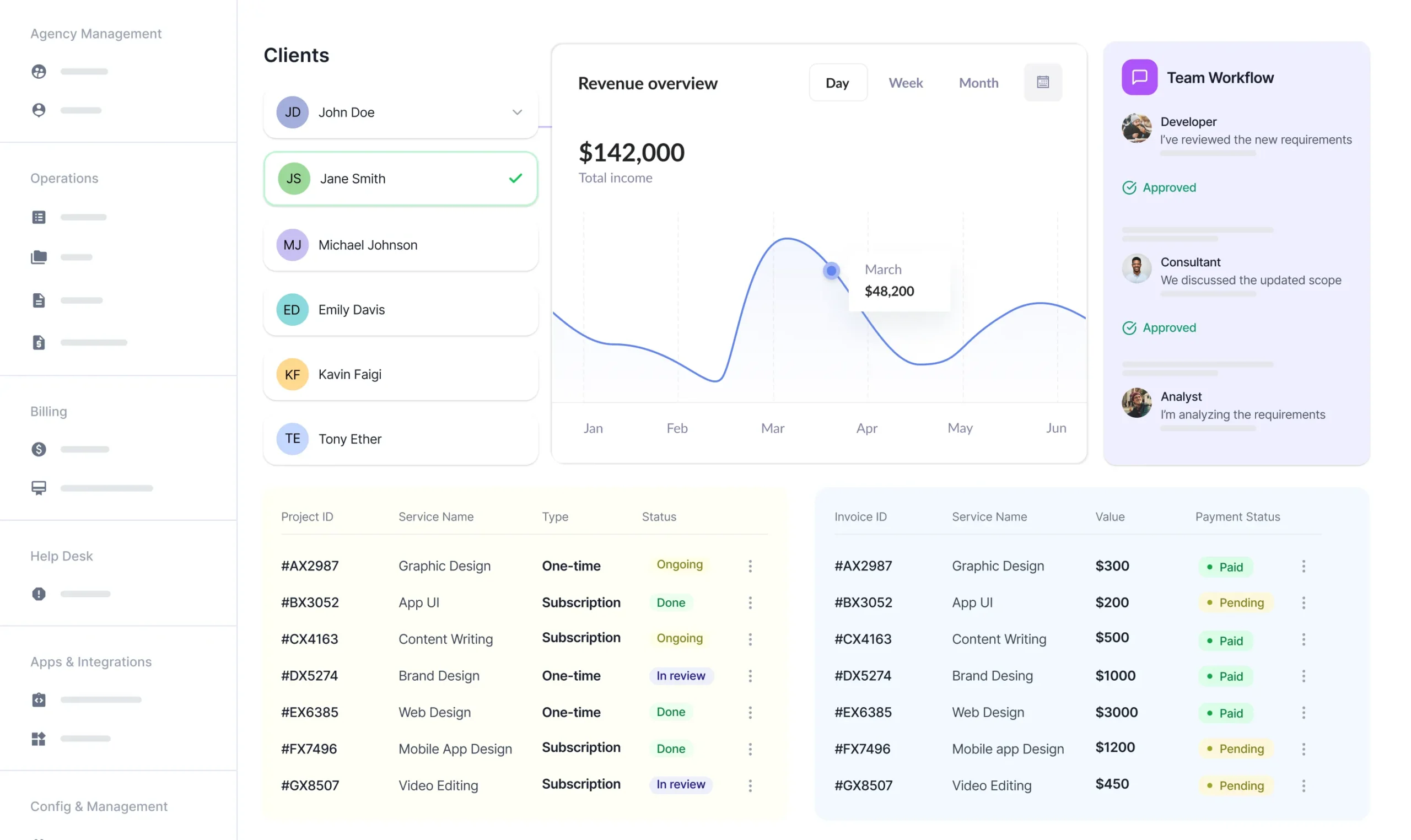
Run your agency from one organized platform. Manage clients, services, projects, team workflows, and billing.


Bring the core parts of your agency together so your team stays aligned, your clients stay informed, and your operations stay under control.
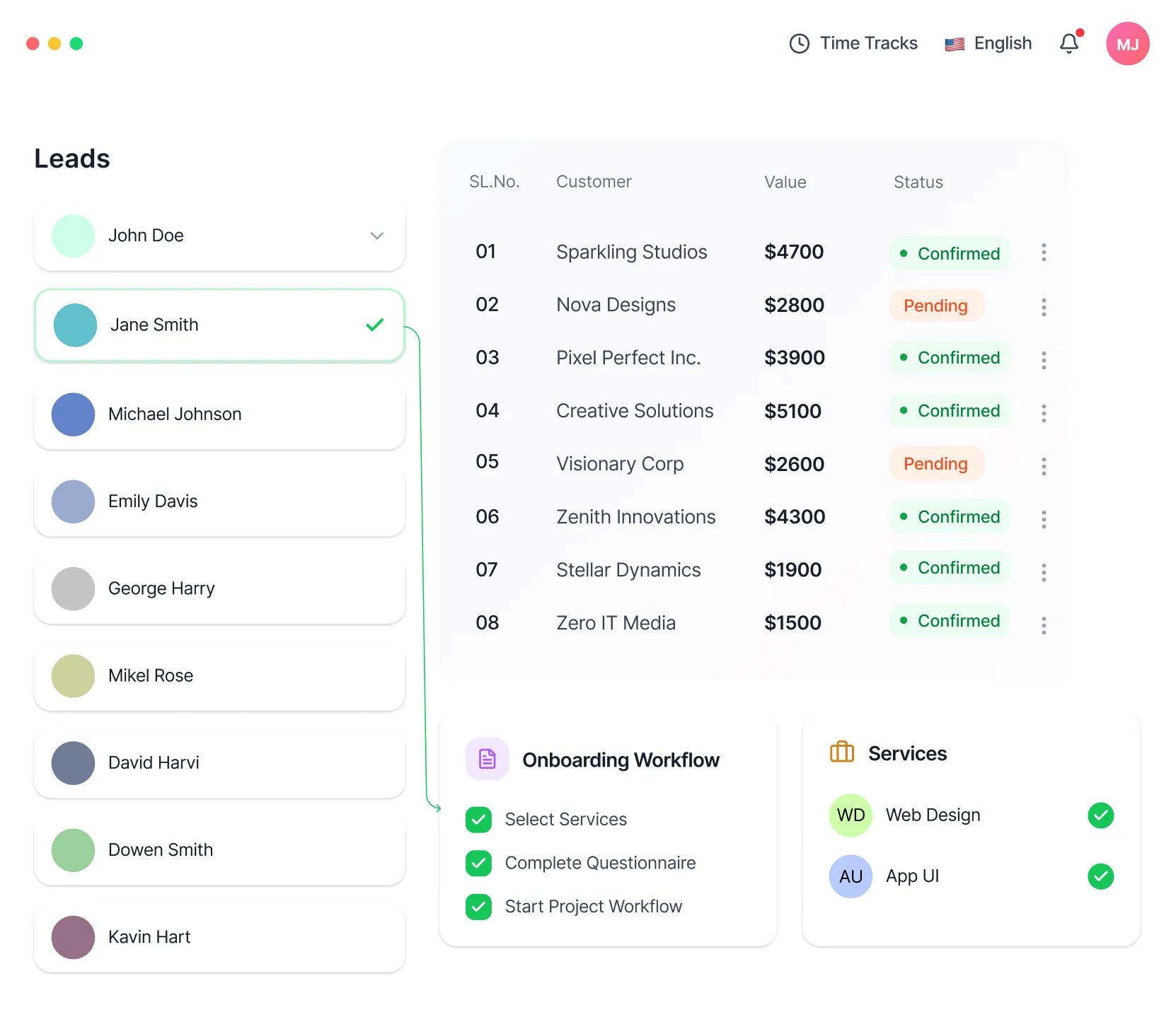
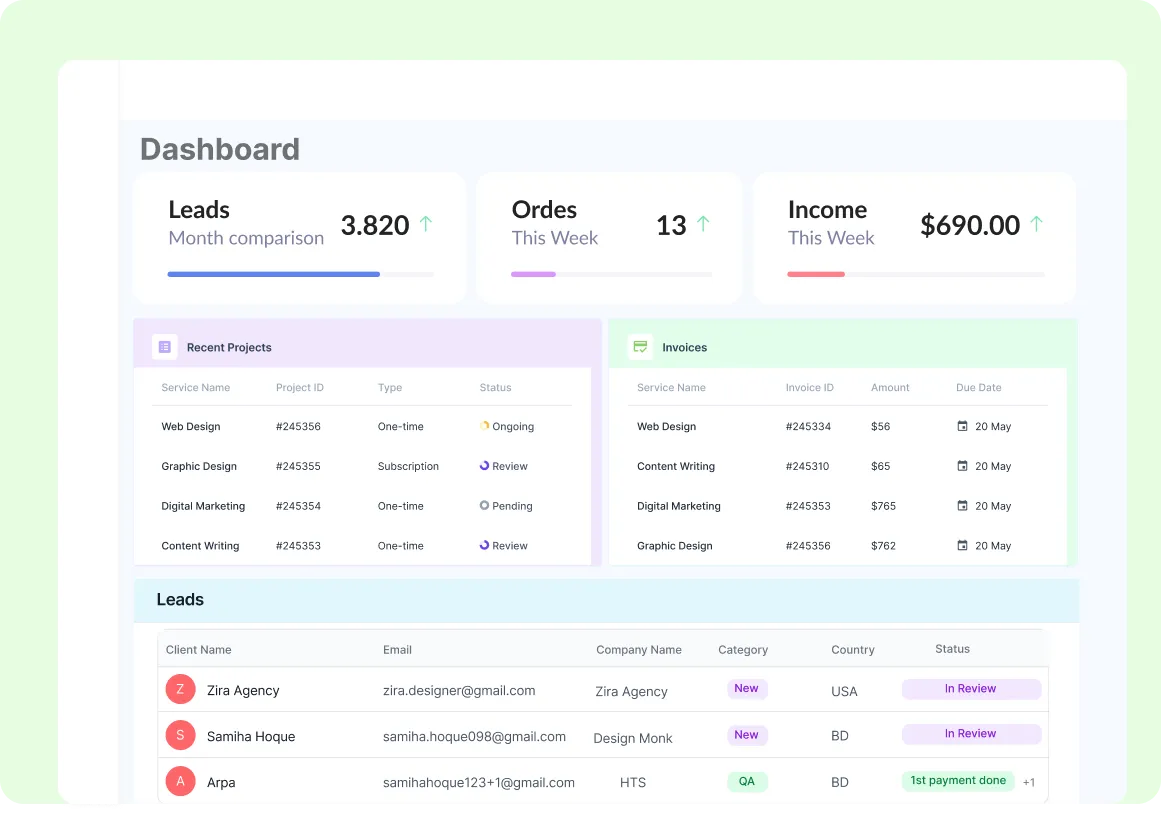
Capture leads, qualify them, track deal stages, and manage client records from one connected workspace.
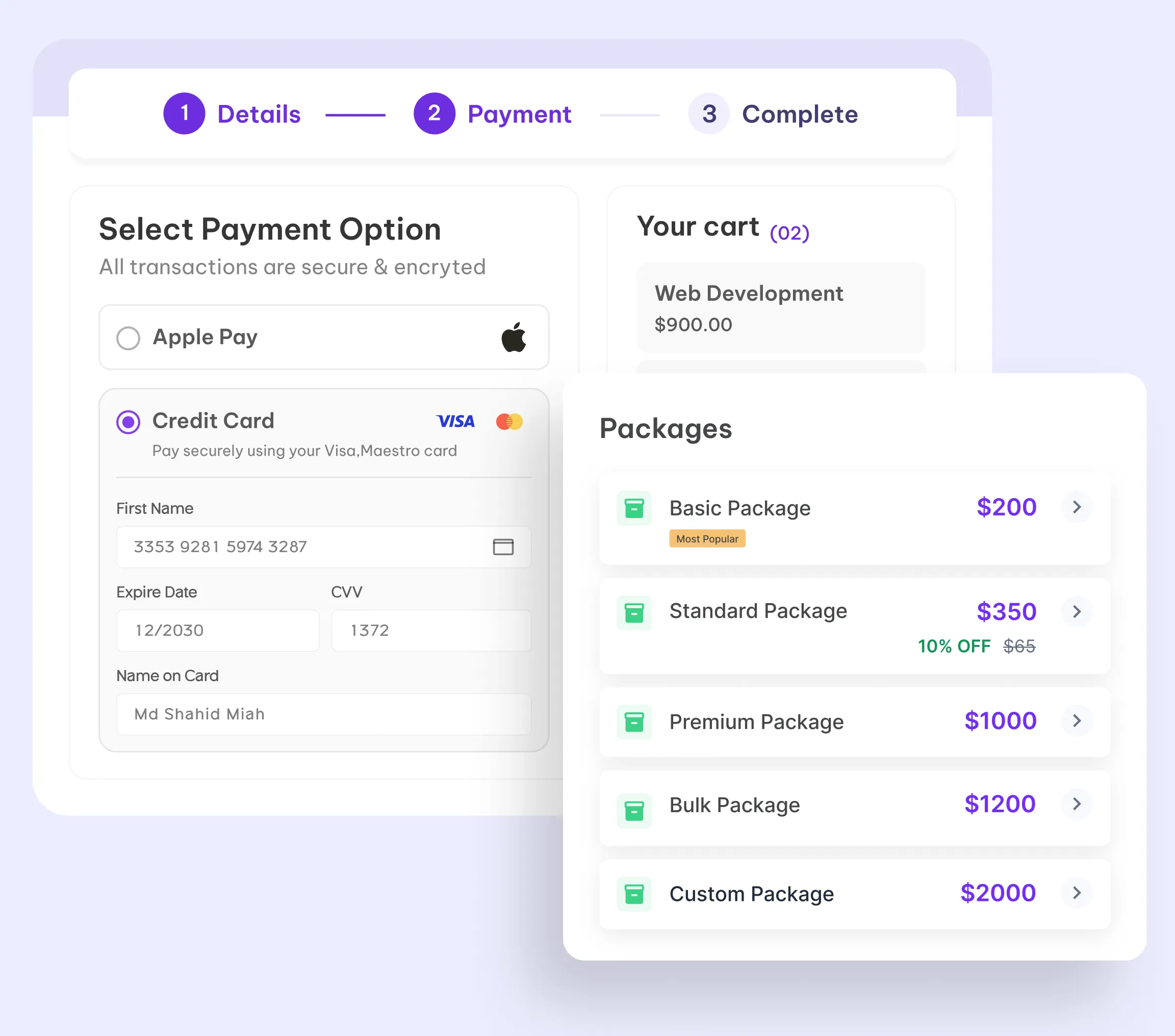
Productize your services, offer one-time or recurring plans, and manage purchases without manual setup.
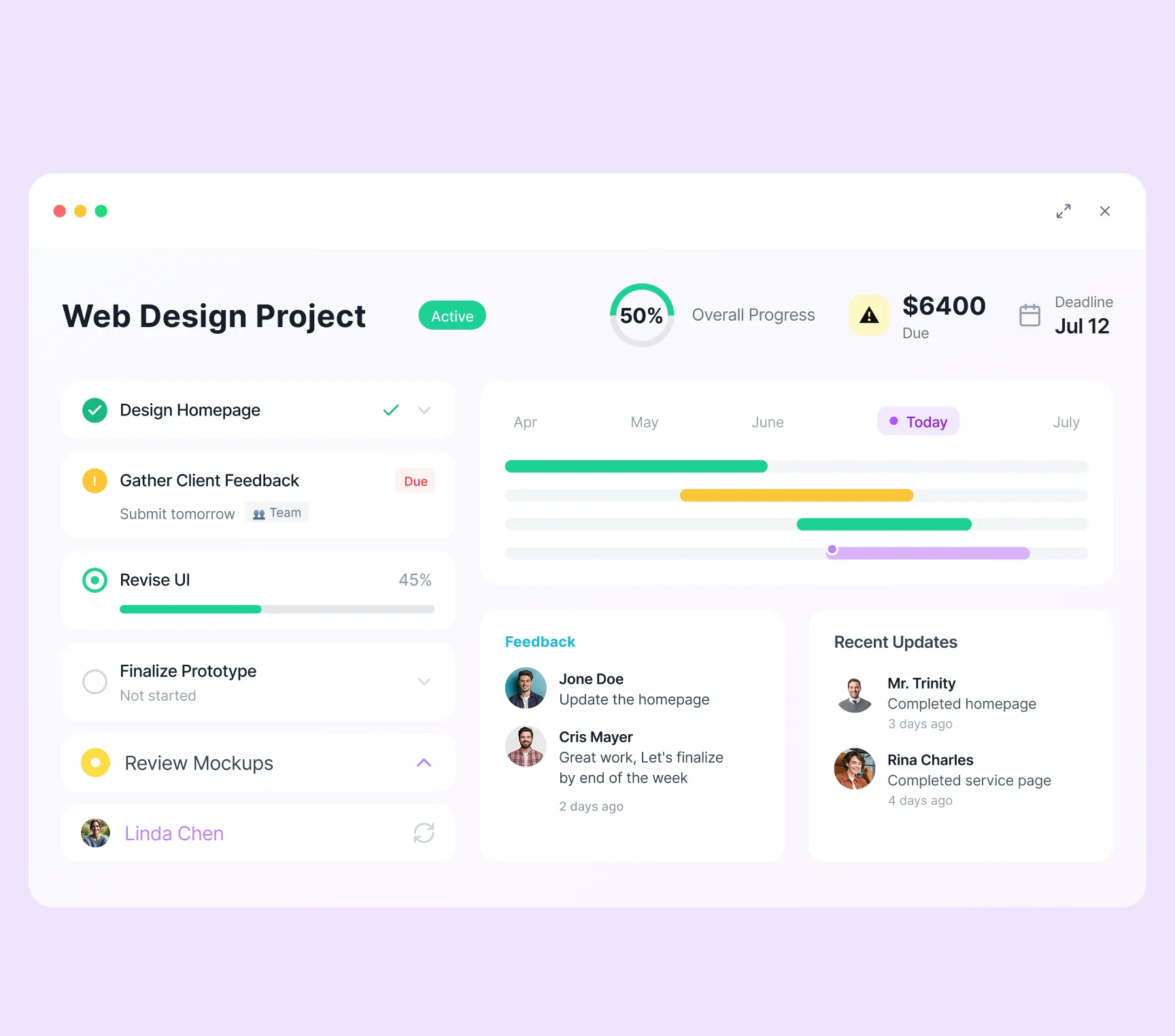
Turn sold services into structured projects with tasks, deadlines, assignees, and progress tracking built in.
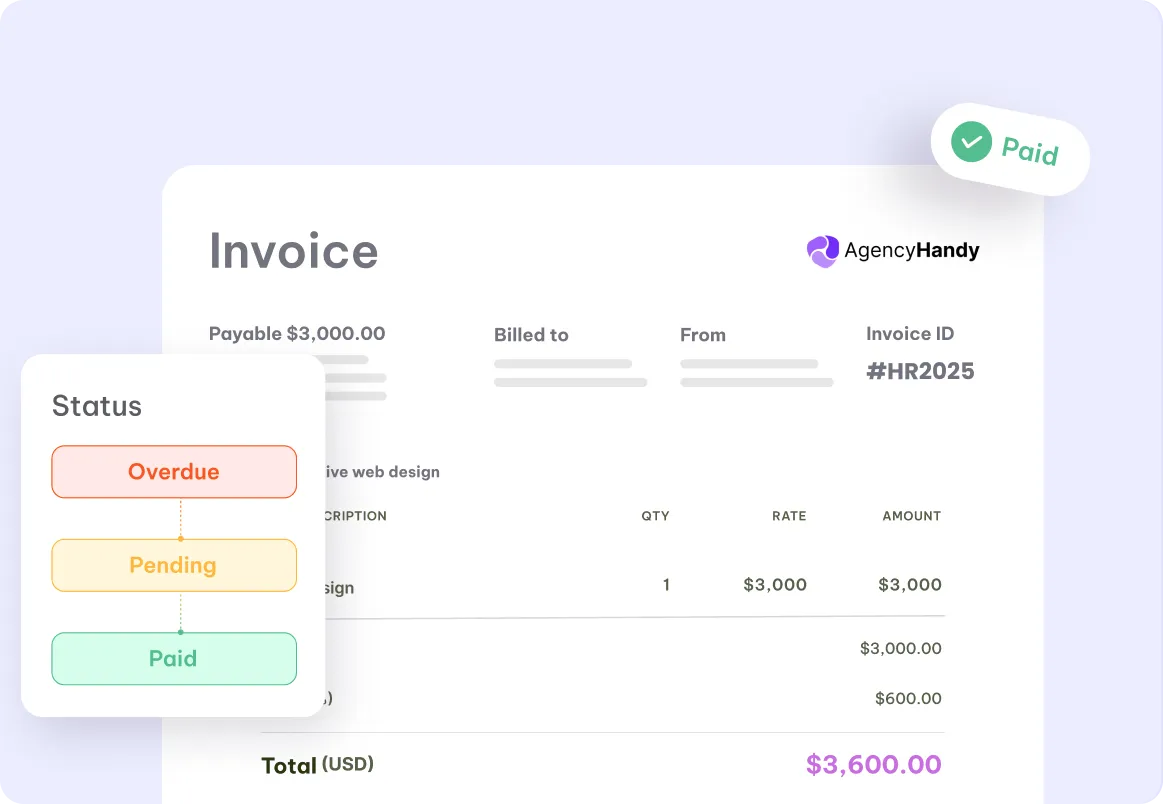
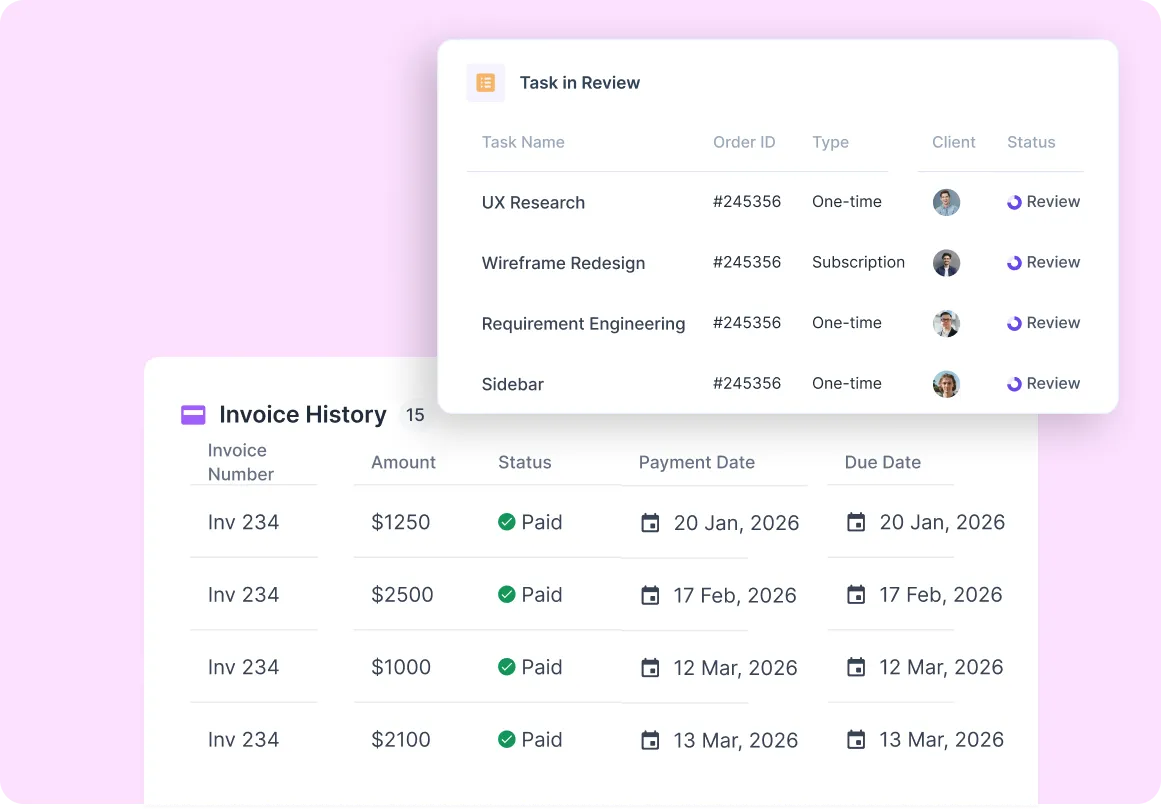
Send branded invoices, automate recurring billing, and track payment activity without extra billing tools.
Read how Davor organized client services, recurring subscriptions, and project updates in Agency Handy.

Ruben
Founder, Ardizi Design
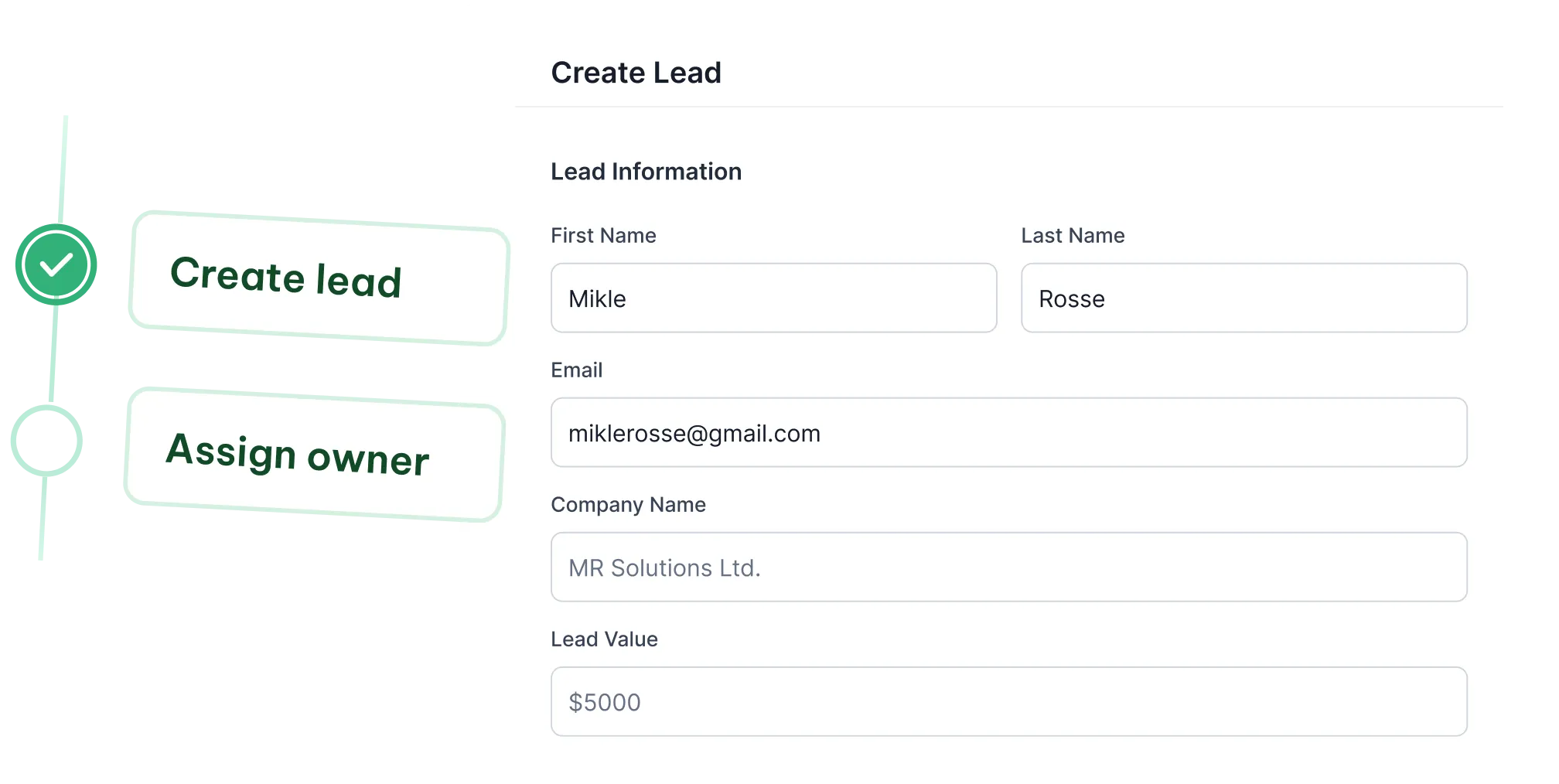
Keep every relationship connected from the moment a lead comes in. Manage lead capture, qualification, onboarding, and ongoing client communication without switching tools.
Create lead profiles, assign owners, and move prospects through a clear pipeline so no opportunity gets lost.
Turn approved leads into active clients with one smooth handoff, then collect requirements and kick off the relationship with structure.
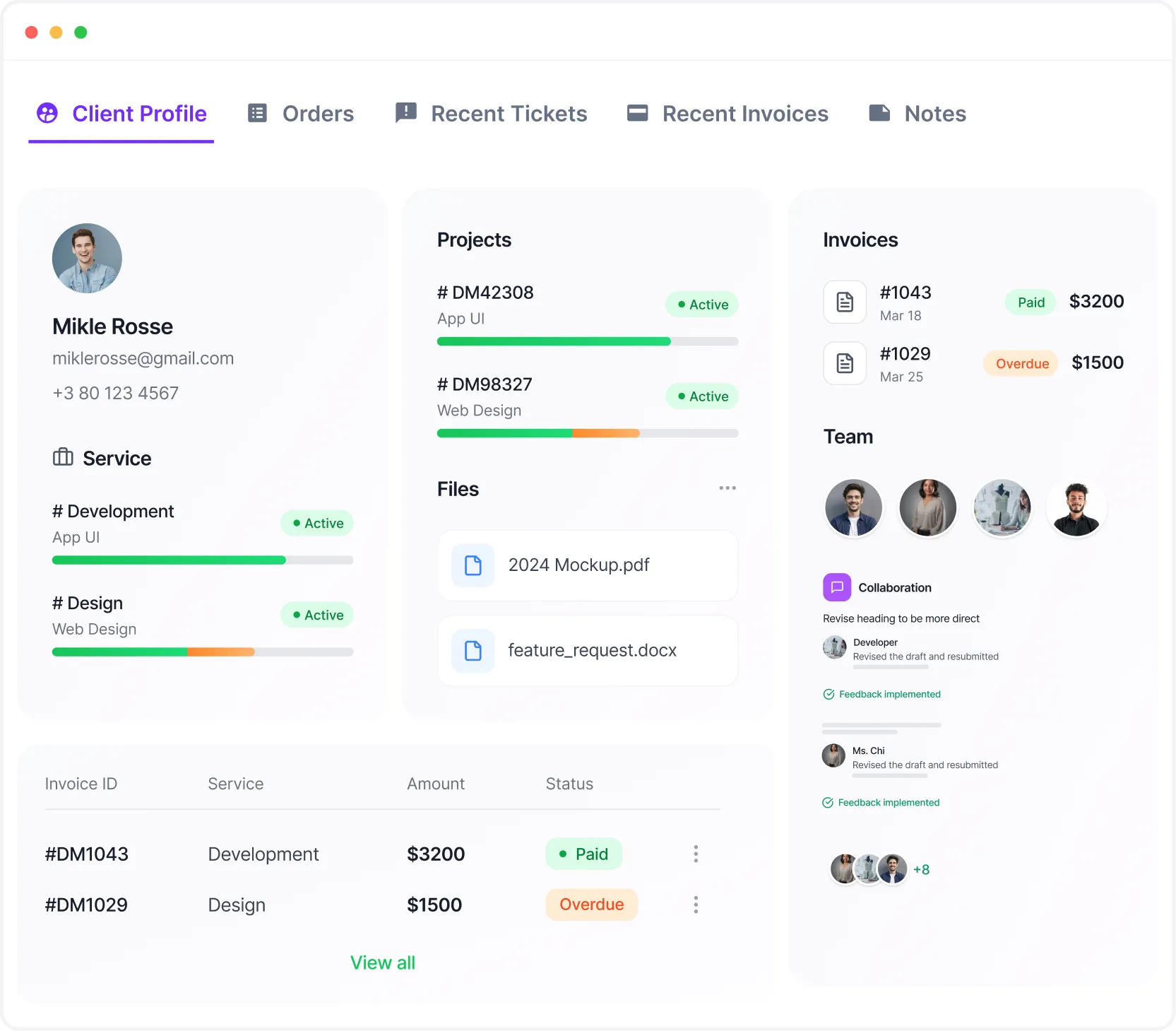
Store client details, files, conversations, and activity history in one place so your team always has the full context.
Stop rebuilding offers from scratch. Package your work clearly, sell it cleanly, and create a smoother buying experience for clients.
Present services in structured packages with clear pricing, scope, and billing type.
Increase order value and flexibility with add-ons, coupons, and optional free trials.
Run monthly retainers and recurring services with billing cycles that stay organized automatically.
Once work begins, your team needs clarity. Keep tasks organized, track delivery, and manage execution without relying on disconnected project tools.
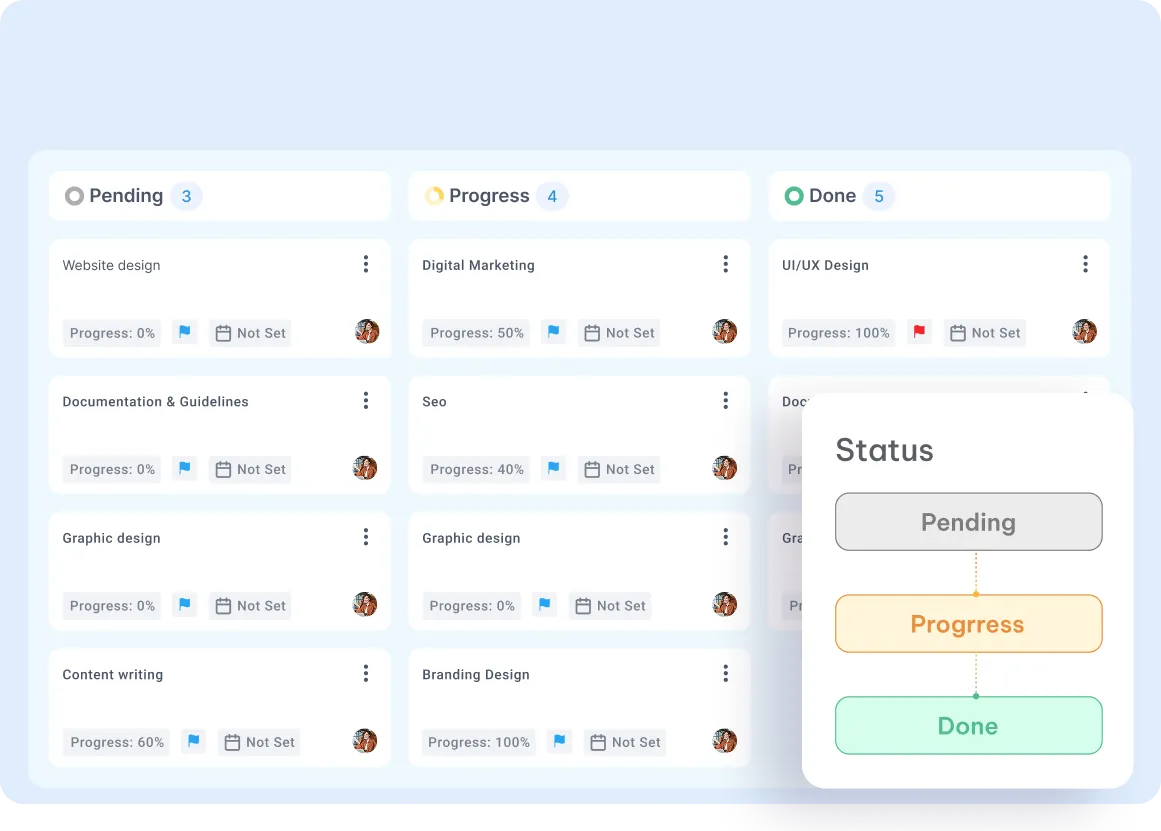
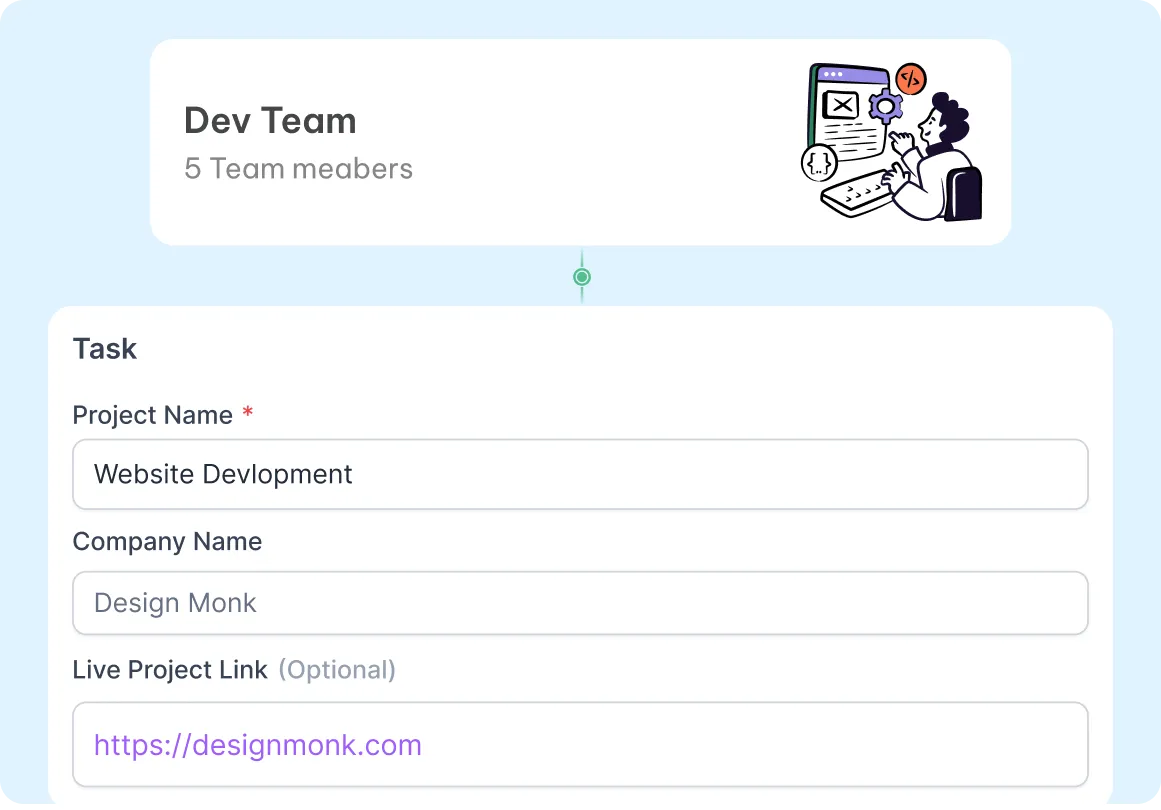
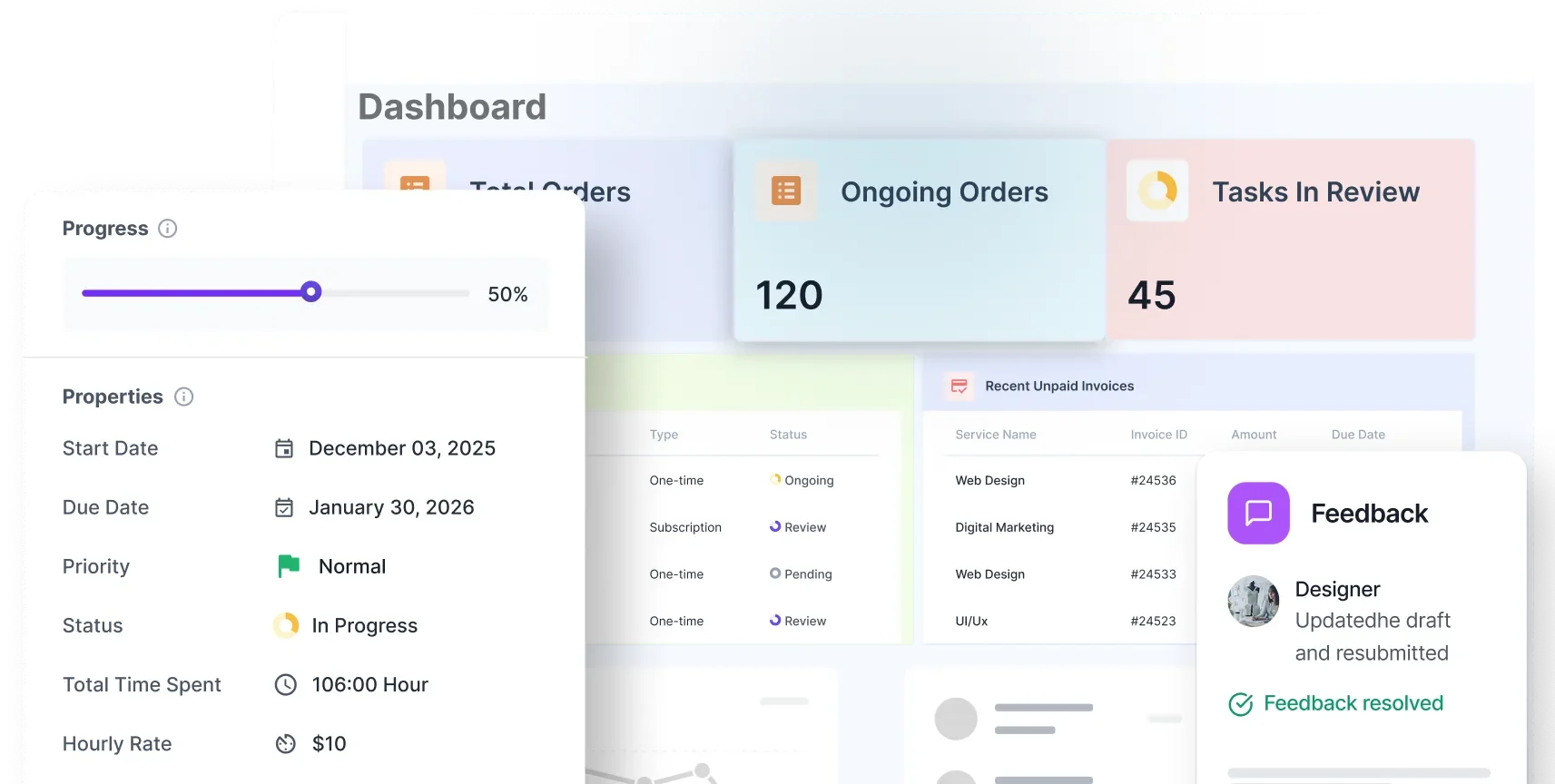
Break work into tasks, assign owners, track status, and manage timelines from one structured project workspace.
Use list and board views to manage work the way your team actually operates.
Track time inside tasks and keep a record of how work gets done across the team.
Collect comments, reviews, and file feedback directly inside the project instead of chasing email threads.
Not everyone needs to see everything. Show the right information to the right people and reduce confusion across teams and clients.
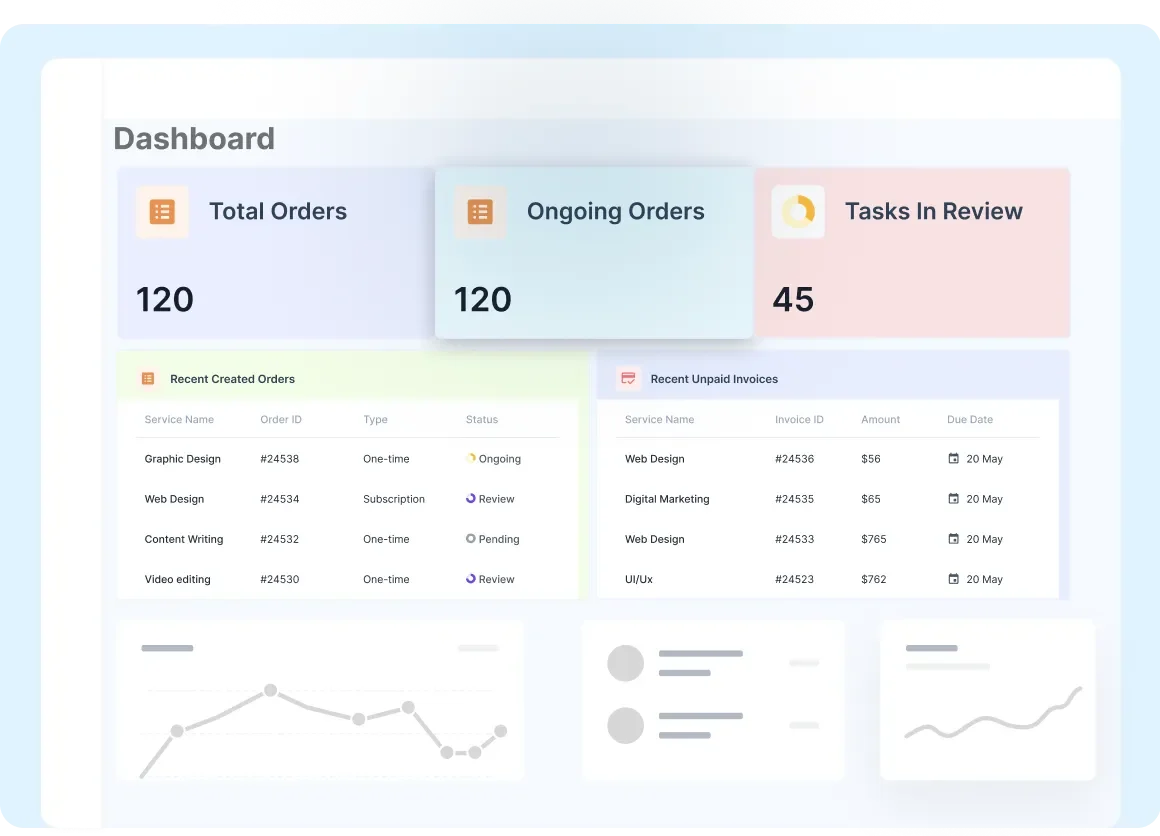
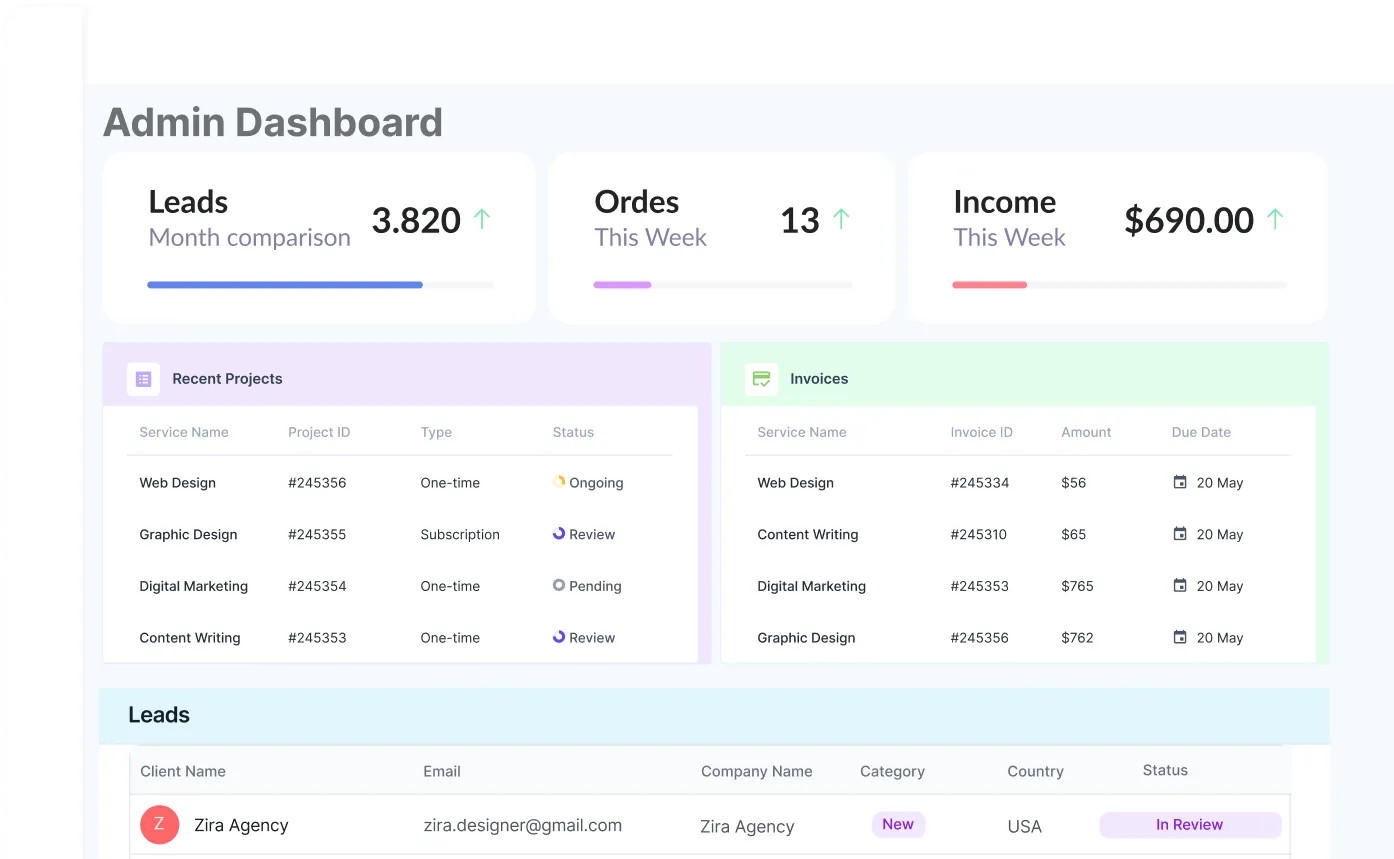
Track operations, manage billing, oversee projects, and control workspace settings from one centralized dashboard.
Give managers, assignees, and collaborators access based on their responsibilities.
Let clients access only what they need — progress, files, requests, invoices, and approvals.
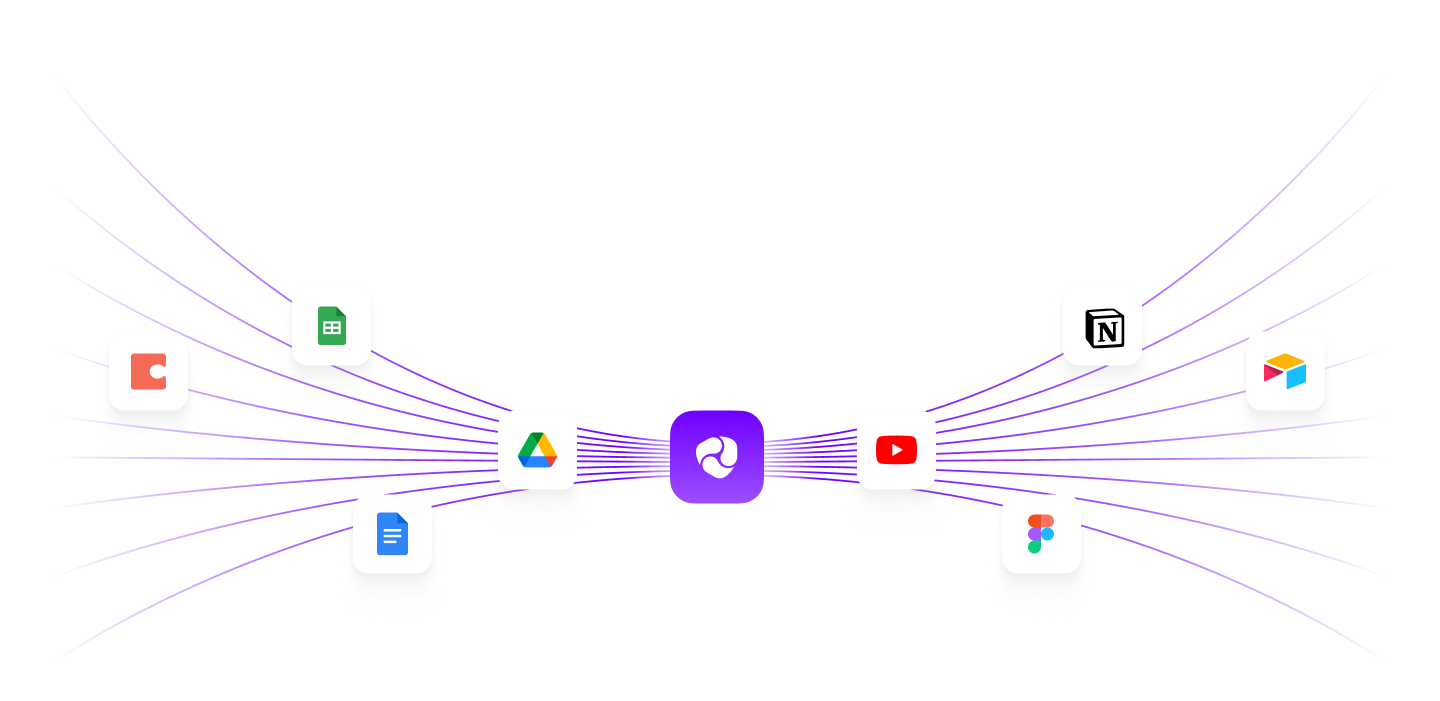
Keep the tools you already use connected to your daily operations instead of forcing your team to work around disconnected systems.
Good agency management software should help your team stay organized while giving clients a smoother experience.
Manage leads, projects, tasks, files, approvals, and billing from one operational workspace.
Let clients log in, check progress, review work, submit feedback, and manage billing without asking for updates twice.
Agencies need more than task tracking. They need a system that supports service delivery, team coordination, client visibility, and billing in one place.
Whether you’re solo or scaling, keep adding clients, services, and workspaces without rebuilding your process.
Get help from real people who understand the product and respond quickly.
Run on secure infrastructure with consistent uptime and a client experience that feels stable and easy to use.
See how agency owners use one platform to manage clients, streamline workflows, reduce admin work, and improve delivery.
Weekly reporting became simple. I can finish summaries faster and the formatting stays consistent every time.
Devon Lane
Louis Vuitton
The suggestions feel natural, not robotic. It helps me keep the tone clear while staying on brand.
Courtney Henry
Ferrari
I like how it catches small errors before I send anything. My reports look cleaner and more confident.
David Rodriguez
Nintendo
Now the whole team writes in the same style. It reduced back-and-forth edits a lot.
Savannah Nguyen
The best part is speed. I can turn meeting notes into a polished update in minutes.
Wade Warren
Amazon
I used it for client emails too. The tone stays professional and the message becomes easy to read.
Jenny Wilson
Shopify
It keeps me focused. I write the main points and it helps polish the rest without changing my meaning.
Robert Fox
Microsoft
Weekly reporting became simple. I can finish summaries faster and the formatting stays consistent every time.
Devon Lane
Louis Vuitton
The suggestions feel natural, not robotic. It helps me keep the tone clear while staying on brand.
Courtney Henry
Ferrari
I like how it catches small errors before I send anything. My reports look cleaner and more confident.
David Rodriguez
Nintendo
Now the whole team writes in the same style. It reduced back-and-forth edits a lot.
Savannah Nguyen
The best part is speed. I can turn meeting notes into a polished update in minutes.
Wade Warren
Amazon
I used it for client emails too. The tone stays professional and the message becomes easy to read.
Jenny Wilson
Shopify
It keeps me focused. I write the main points and it helps polish the rest without changing my meaning.
Robert Fox
Microsoft
The dashboards are easier to explain to clients now. I can write short updates that still feel complete.
Cameron Williamson
IBM
It helps me write faster without losing clarity. Even long documents become easier to finish.
Eleanor Pena
The Walt Disney Company
I share updates with leadership weekly. This made my writing clearer and more structured.
Marvin McKinney
Louis Vuitton
It helped with consistency. Titles, bullet points, and summaries look clean without extra manual work.
Darlene Robertson
Slack
Super helpful for announcements. I write a rough draft and it turns it into something ready to send.
Kristin Watson
Adobe
The tool saves time in small ways every day. Those minutes add up a lot across a month.

Guy Hawkins
Meta
The dashboards are easier to explain to clients now. I can write short updates that still feel complete.
Cameron Williamson
IBM
It helps me write faster without losing clarity. Even long documents become easier to finish.
Eleanor Pena
The Walt Disney Company
I share updates with leadership weekly. This made my writing clearer and more structured.
Marvin McKinney
Louis Vuitton
It helped with consistency. Titles, bullet points, and summaries look clean without extra manual work.
Darlene Robertson
Slack
Super helpful for announcements. I write a rough draft and it turns it into something ready to send.
Kristin Watson
Adobe
The tool saves time in small ways every day. Those minutes add up a lot across a month.
Guy Hawkins
Meta
Trusted by thousands, recognized by the best — software that sets the standard.

G2 Sales

Trust Radius

G2 Spring

Get App
Agency management software is a centralized platform that helps agencies streamline operations such as project tracking, team collaboration, client communications, invoicing, time tracking, and reporting—all in one place.
While project management tools focus mainly on task tracking and collaboration, agency management software includes broader capabilities like client billing, service catalogs, intake forms, file approvals, and integrated CRM—making it ideal for managing the entire agency lifecycle.
Creative, digital, marketing, and service-based agencies of all sizes can benefit—especially those looking to unify client operations, reduce tool fatigue, and improve team productivity.
This depends on the pricing tier, but Agency Handy offers unlimited clients and projects in each plan. Be sure to compare plan limits based on your agency size.
Yes. Whether you’re a solo freelancer or running a growing team, Agency Handy scales with you. Plans start with core features and grow with multi-user support, branding, and automation.
Agency Handy offers quick onboarding—typically within a few hours depending on your agency’s size. You can check onboarding guides, tutorials, or even get personalized setup assistance.