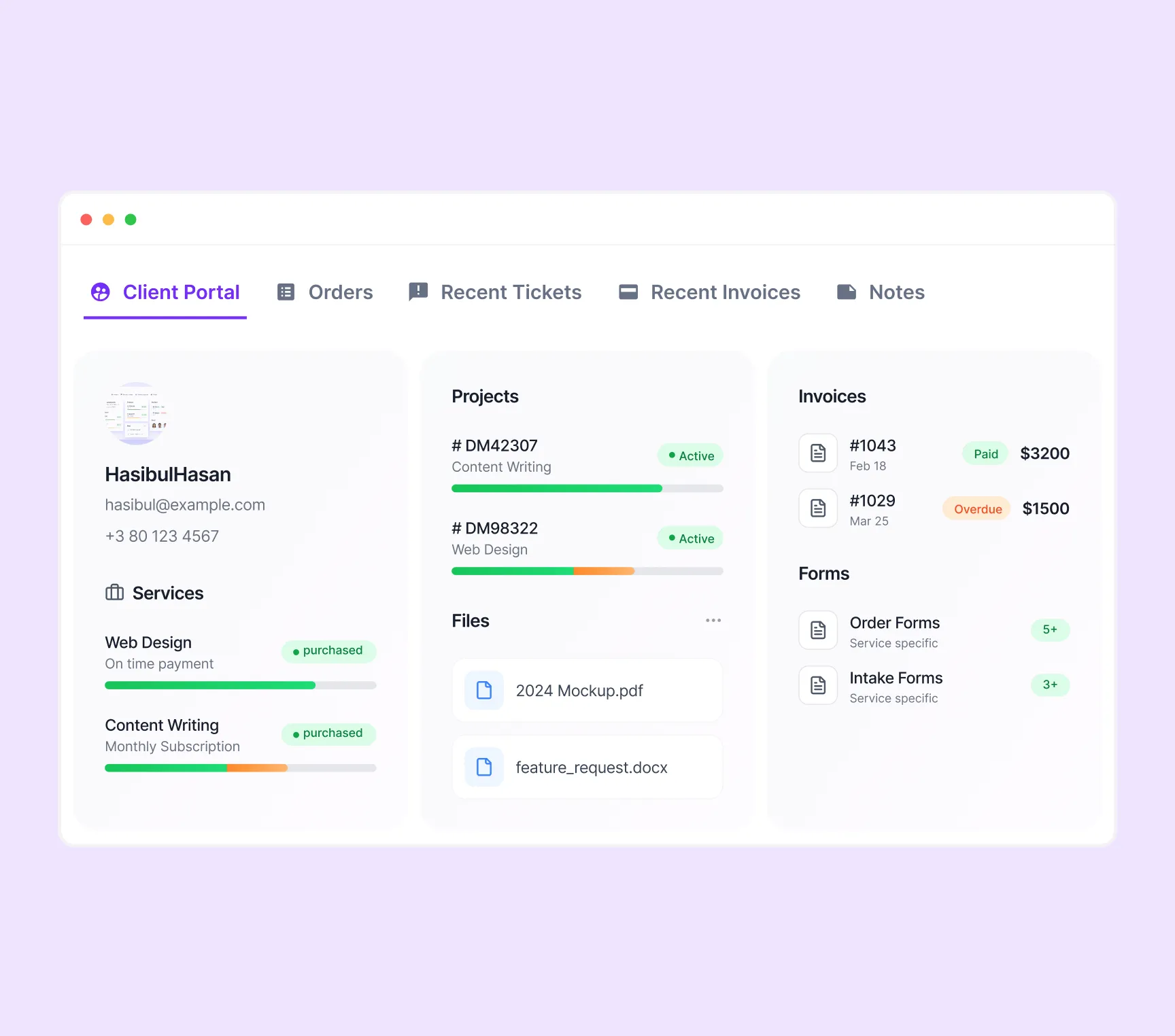
Give clients one secure place to view services, track projects, review files, and manage payments.


A client portal should do more than just show files. It should help clients buy, onboard, collaborate, and manage payments from one clear interface.
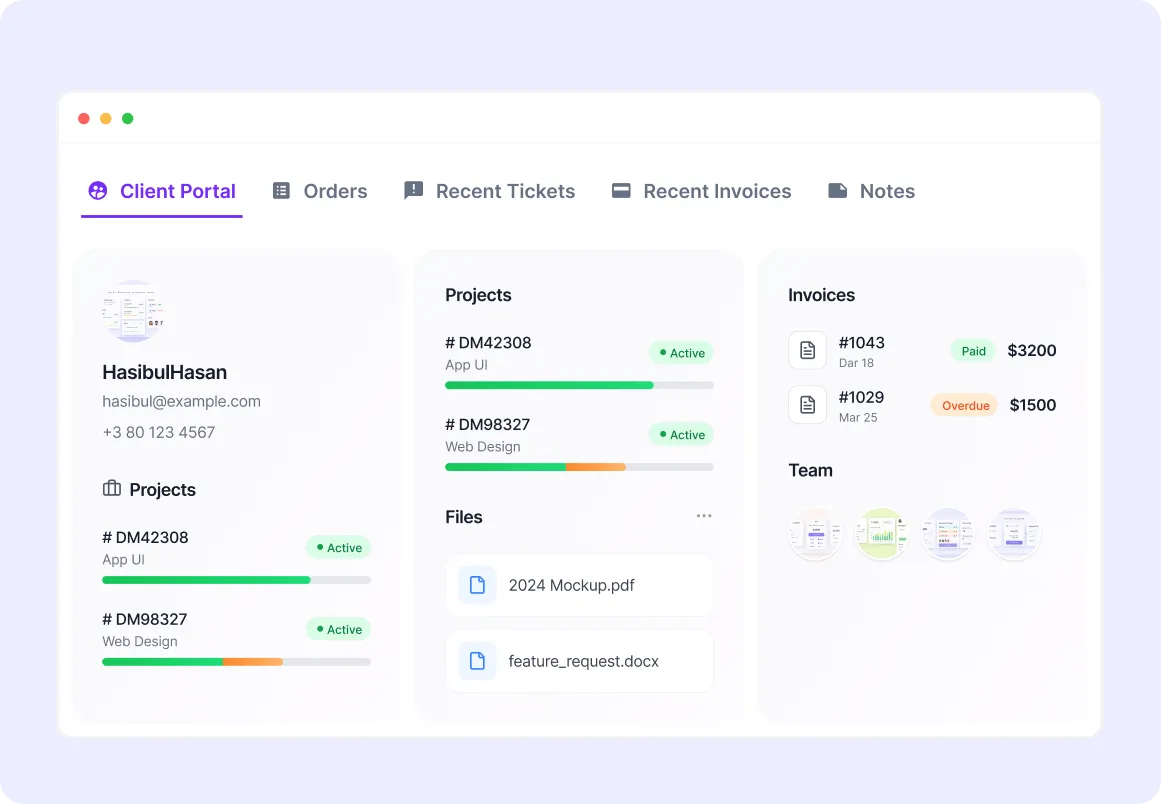
Give clients a secure login where they can view everything tied to their account in one place.
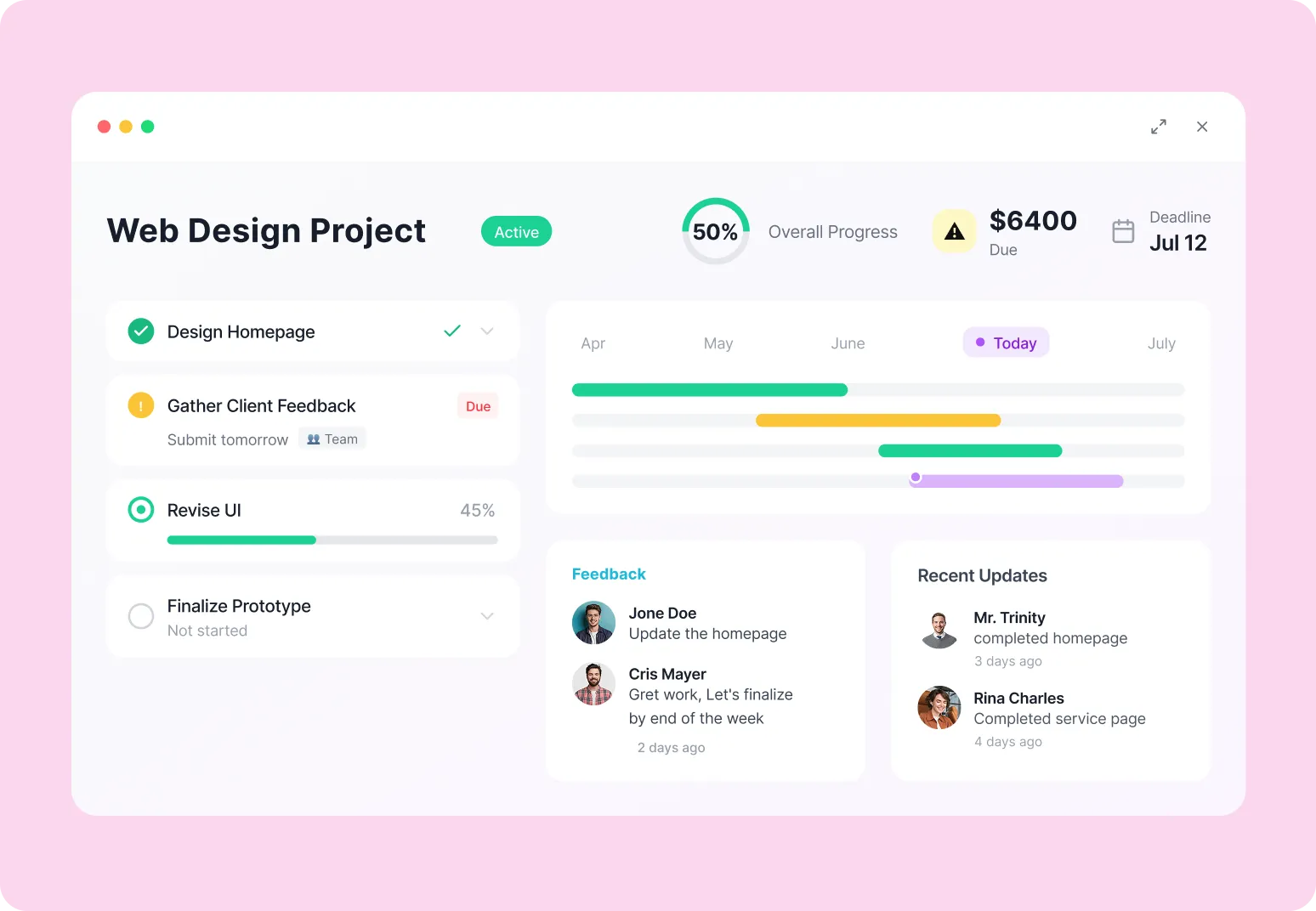
Let clients track progress, review deliverables, and stay updated without needing status emails.
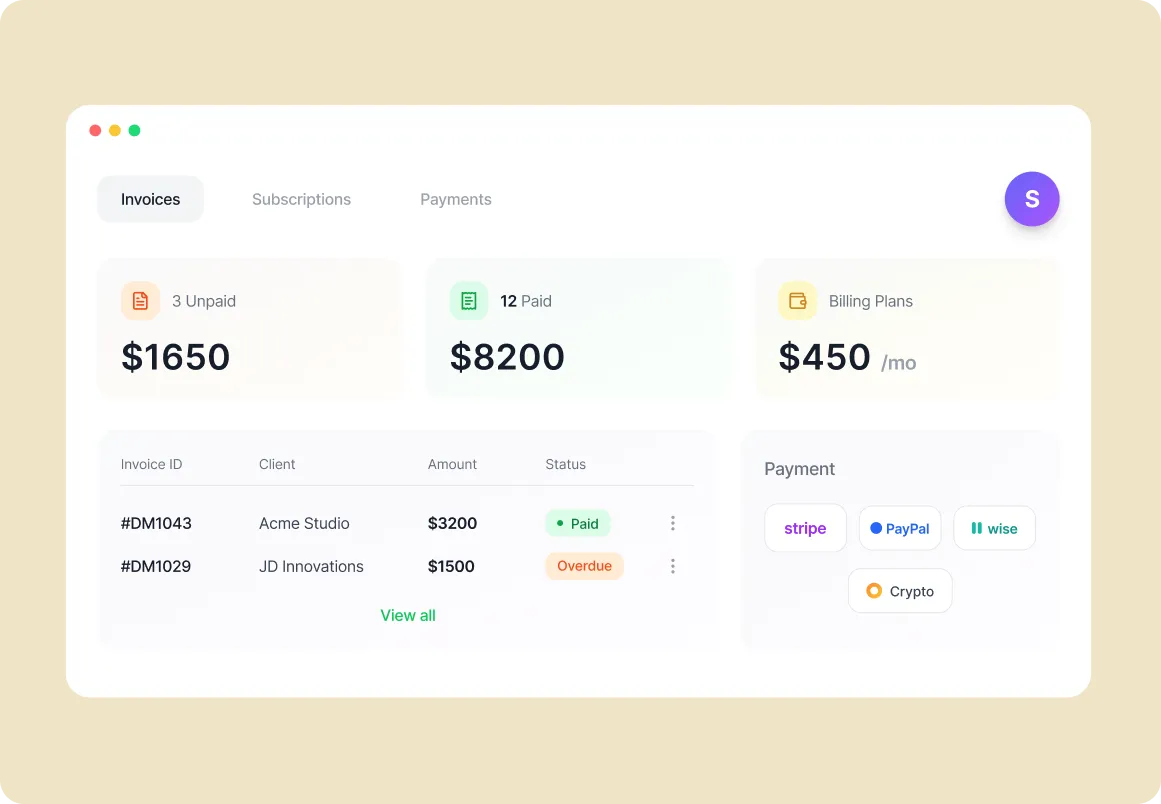
Allow clients to view invoices, manage subscriptions, and complete key actions directly inside the portal.
A productized service model only works when clients can understand your offer quickly and buy it without friction.
Let clients browse your service catalog and choose one-time or recurring offers that fit their needs.
After purchase, guide clients into custom forms so you collect the right details before work begins.
Keep services, forms, orders, and profile details connected inside one client-facing experience.
A client portal should help clients stay informed and move work forward, not just passively observe.
Give each client their own branded portal where they can view projects, invoices, subscriptions, and service history.
Let clients see active project status, task progress, and delivery updates without relying on manual check-ins.
Allow clients to review files, leave comments, and approve deliverables inside the same workspace.
Let clients submit support requests or questions directly through the portal so communication stays organized.
Clients should not need a separate billing system to view invoices or manage recurring payments.
Let clients log in to view current invoices, payment history, and outstanding balances from their portal.
Support quick, secure payments through Stripe, PayPal, Wise, and other connected methods.
Give clients visibility into active subscriptions, recurring billing, renewals, and service terms.
A portal works better when it reflects your actual tools, files, and service process.
Connect tools like Google Drive, Notion, Stripe, and more so clients can access what matters in context.
Keep client-facing information current as projects move, files change, and payments are updated.
Use your own logo, colors, and domain so the portal feels like a natural extension of your agency.
The best client portal software should make work easier for both sides.
Manage orders, client records, files, messages, approvals, and billing from one organized workspace.
Let clients log in, view progress, leave feedback, track invoices, and stay involved without waiting on your team.
See how agency owners use one platform to manage clients, streamline workflows, reduce admin work, and improve delivery.
Weekly reporting became simple. I can finish summaries faster and the formatting stays consistent every time.
Devon Lane
Louis Vuitton
The suggestions feel natural, not robotic. It helps me keep the tone clear while staying on brand.
Courtney Henry
Ferrari
I like how it catches small errors before I send anything. My reports look cleaner and more confident.
David Rodriguez
Nintendo
Now the whole team writes in the same style. It reduced back-and-forth edits a lot.
Savannah Nguyen
The best part is speed. I can turn meeting notes into a polished update in minutes.
Wade Warren
Amazon
I used it for client emails too. The tone stays professional and the message becomes easy to read.
Jenny Wilson
Shopify
It keeps me focused. I write the main points and it helps polish the rest without changing my meaning.
Robert Fox
Microsoft
Weekly reporting became simple. I can finish summaries faster and the formatting stays consistent every time.
Devon Lane
Louis Vuitton
The suggestions feel natural, not robotic. It helps me keep the tone clear while staying on brand.
Courtney Henry
Ferrari
I like how it catches small errors before I send anything. My reports look cleaner and more confident.
David Rodriguez
Nintendo
Now the whole team writes in the same style. It reduced back-and-forth edits a lot.
Savannah Nguyen
The best part is speed. I can turn meeting notes into a polished update in minutes.
Wade Warren
Amazon
I used it for client emails too. The tone stays professional and the message becomes easy to read.
Jenny Wilson
Shopify
It keeps me focused. I write the main points and it helps polish the rest without changing my meaning.
Robert Fox
Microsoft
The dashboards are easier to explain to clients now. I can write short updates that still feel complete.
Cameron Williamson
IBM
It helps me write faster without losing clarity. Even long documents become easier to finish.
Eleanor Pena
The Walt Disney Company
I share updates with leadership weekly. This made my writing clearer and more structured.
Marvin McKinney
Louis Vuitton
It helped with consistency. Titles, bullet points, and summaries look clean without extra manual work.
Darlene Robertson
Slack
Super helpful for announcements. I write a rough draft and it turns it into something ready to send.
Kristin Watson
Adobe
The tool saves time in small ways every day. Those minutes add up a lot across a month.

Guy Hawkins
Meta
The dashboards are easier to explain to clients now. I can write short updates that still feel complete.
Cameron Williamson
IBM
It helps me write faster without losing clarity. Even long documents become easier to finish.
Eleanor Pena
The Walt Disney Company
I share updates with leadership weekly. This made my writing clearer and more structured.
Marvin McKinney
Louis Vuitton
It helped with consistency. Titles, bullet points, and summaries look clean without extra manual work.
Darlene Robertson
Slack
Super helpful for announcements. I write a rough draft and it turns it into something ready to send.
Kristin Watson
Adobe
The tool saves time in small ways every day. Those minutes add up a lot across a month.
Guy Hawkins
Meta
Trusted by thousands, recognized by the best — software that sets the standard.

G2 Sales

Trust Radius

G2 Spring

Get App
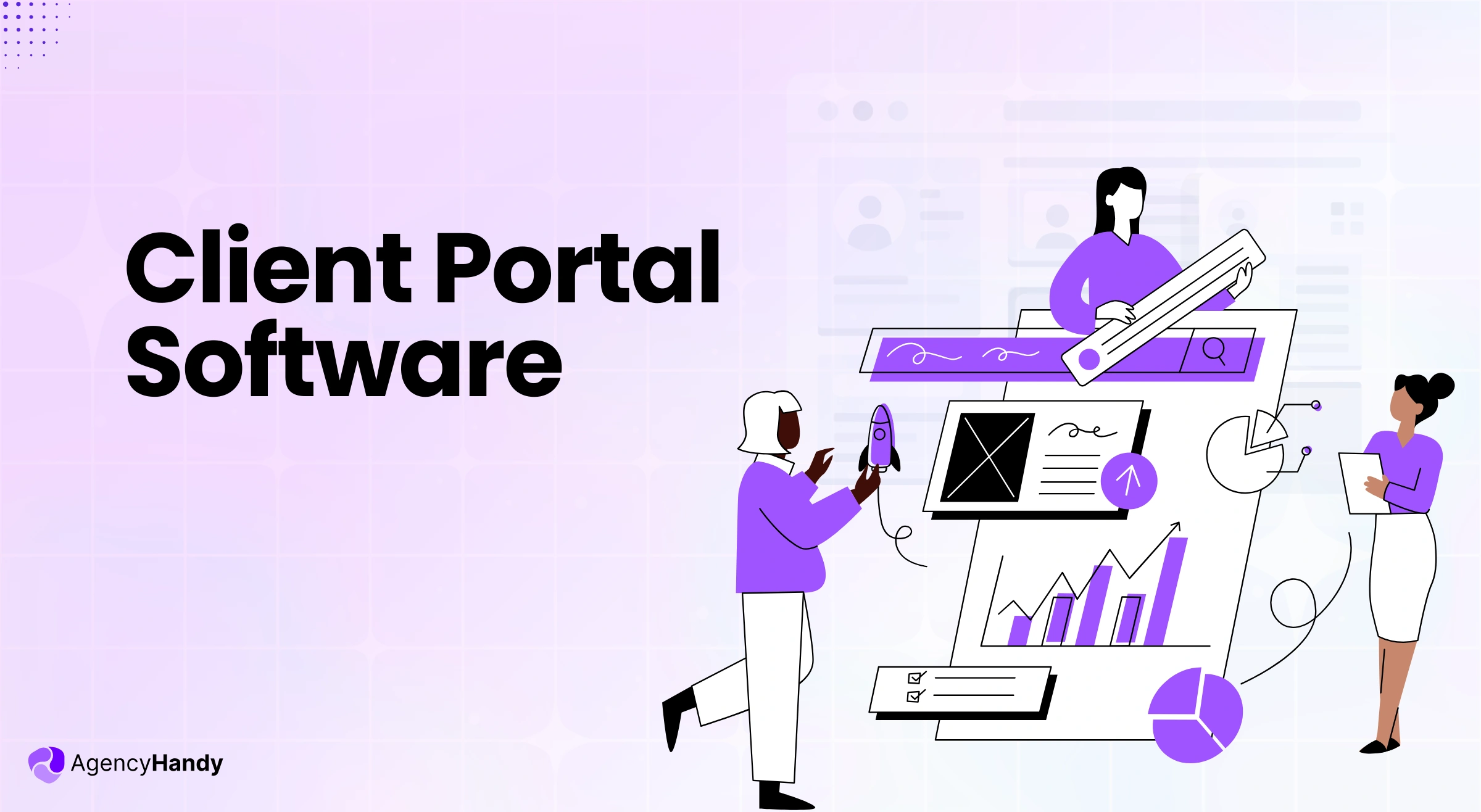
Client portal software is a secure portal for clients to access projects, interact with the team assigned for tasks, share files, and give feedback. It acts as a central hub to manage client collaboration, project updates, receive payments, and other necessary information.
A client portal is used to manage projects, files, and client communication in one secure space. Clients can track progress, share feedback, approve files, view invoices, and submit requests. It’s a simple way to keep your workflow organized and make collaboration faster and more professional.
Client portal software works by offering each client a secure login where they can see everything related to their projects. They can track progress, view shared files, leave feedback, and check updates or payments—all in one place. Client portals like Agency Handy can even send updates by email for clients who prefer not to log in, keeping communication smooth for everyone.
A client portal system includes secure logins, project tracking, file sharing, in-app messaging, invoicing, payment processing, and giving clients a white label branded experience.
Modern client portals use SSL encryption, GDPR compliance, and secure hosting to protect sensitive data, ensuring client privacy and trust.
A CRM (Customer Relationship Management) system is designed for your internal team to store client information, track leads, manage deals, and handle follow-ups. On the other hand, a client portal is built for your clients. It’s a secure space where they can log in to view projects, access files, pay invoices, leave feedback, and communicate with your team without using email or multiple apps.
By giving clients 24/7 access to their projects, invoices, and communication threads, you ensure a smoother, more professional client experience.
Yes, you can integrate other tools with your client portal software—integrations with tools like Stripe, PayPal, Webhook, Slack, and project management apps for seamless workflows.
Yes—track when clients view files, approve tasks, pay invoices, or leave comments to stay updated on project progress and engagement.
Once you have created your service catalog in Agency Handy, you can copy the iframe and embed it directly into your portfolio or website. It takes just a few seconds.