Skip to content
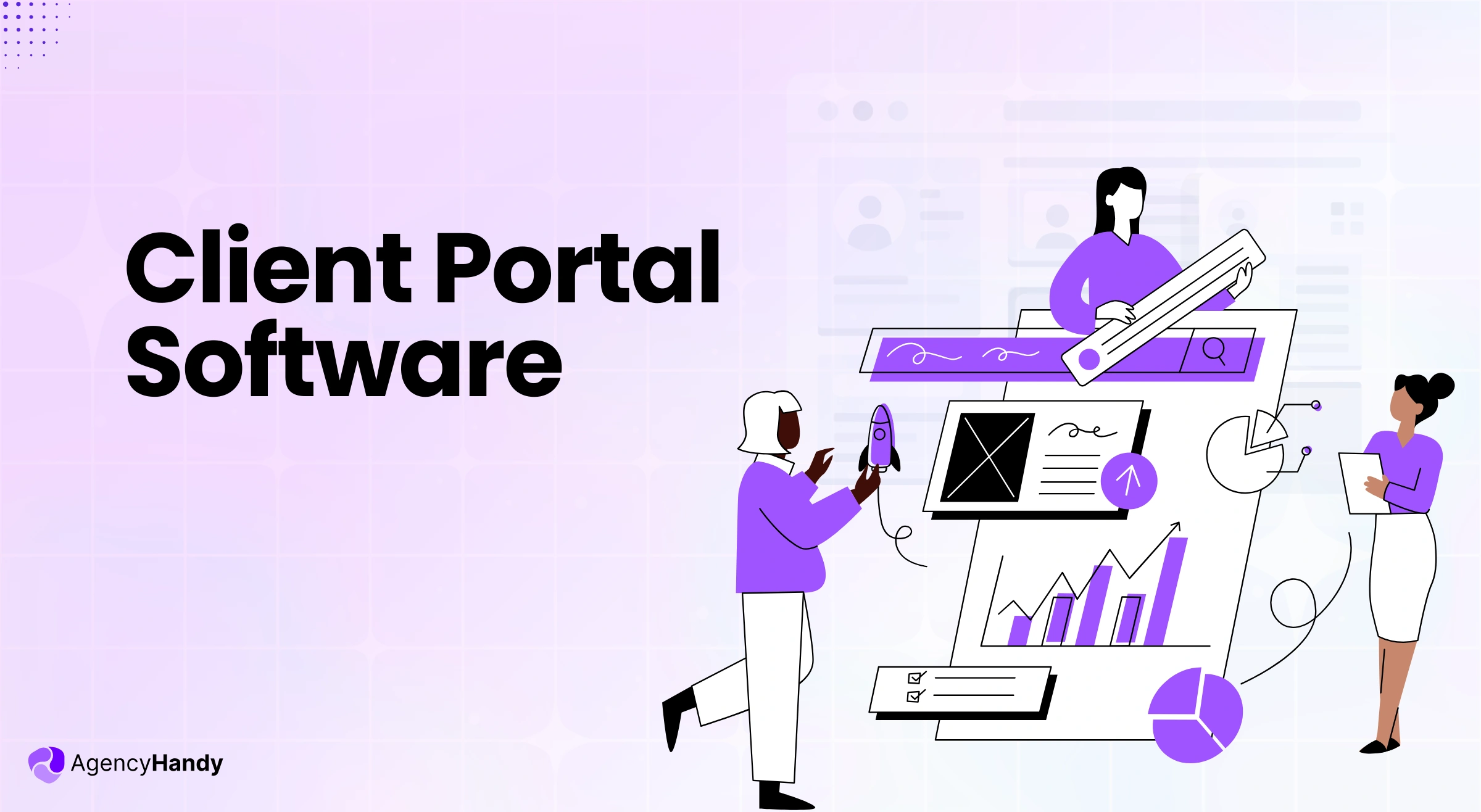



A client portal is an online platform where your clients can log in and stay up to date on all project-related information. Instead of going back and forth over email, they can check progress, upload or download files, leave feedback, and even pay invoices.
Regardless of your agency type, you can onboard your clients easily and let them have proper control and clarity on their projects.
So, if you’re managing an agency or business, this guide is for you. In this guide, we’ll explore how client portals work, types of client portals, why you should pick one, and how to choose the right one for your business.
What is Client Portal Software?
Client portal software is a platform where your clients will get their own portal to purchase services, track progress, share feedback, create tickets, and pay invoices. The best portal includes CRM, communication, tasks, billing, and support in one place.
Unlike traditional client communication channels, a client portal offers a white-labeled workspace for clients to secure login, review progress, and access deliverables. It’s a self-serve solution for clients who want to skip dependency on agencies.
For example, if you’re a web development agency and onboarded a client for web design services, clients can easily know the design progress, leave comments, and approve accordingly.
What are the Different Types of Client Portal Software?
There are certain types of client portals depending on industry and use case. Below are the most common ones –
- Project Management Portals: Centralizing tasks, files, and milestones is the prime objective of this type. It keeps teams aligned.
- Document Sharing Portals: This portal is a secure hub for uploading, collaborating on, and protecting sensitive data of projects. You can control the file version as well.
- Customer Support Portals: These portals come with ticketing systems, FAQs, and knowledge bases. The aim is to provide 24/7 self-service options.
- Billing and Invoicing Portals: You can manage payments, subscriptions, and automate payment reminders using this client portal.
- CRM-Based Client Portals: These client portals come with CRM functionalities. Pre-sales and post-sales client interactions are the key concern in these platforms.
- Agency or Service-Based Portals: These portals are for workspaces to share deliverables. Also, you can track custom orders and get approvals on projects or files from clients.
- Custom White-Label Portals: These portals allow clients to fully white-label their branding in the portal. Their clients can access the portal and see their branding along with some common client portal features.
- Educational or Coaching Portals: Coaches and consultants commonly use this portal type to share courses and lessons. Their students can submit assignments and book appointments from the portal.
- Customer Self-Service Portals: Businesses use these client portals to let their clients manage their accounts, access guides, and reach out to support.
Further Read:
9 Types of Client Portals You Didn’t Know Existed
What Problem Does These Client Portal Software Solve?
You can manually manage a client or two. Probably 10 at max. Once you onboard more clients, you’ll be out of breath and stuck in back-and-forth conversations, deliverables, and feedback. Eventually, you’ll have dissatisfied clients and high churn.
Hence, the client portal software systemizes the process and removes all the manual labor. Without the right client portal software, you’ll struggle with:
- Manual onboarding processes through emails and docs
- Constant back-and-forth communication through multiple channels (email, WhatsApp, Slack)
- Missed deliverables due to unclear task tracking
- No real-time collaboration in project progress
- Delayed feedback loops and approvals from clients
- Difficulty in centralizing files and communication
- Poor client experience and zero visibility into tasks
- Lack of a structured support system for after-sales service
How Does The Client Portal Software Solve The Issues?
Now that you know the problems, let’s take a look at how a client portal software solves these issues:

Centralized Onboarding Process
A client portal software centralizes the onboarding process with forms and proposals. The forms will collect client and project information up front and onboard them into the portal immediately.
Plus, the proper onboarding flow is a structured, repeatable, and scalable system.
Further Read:
Client Onboarding: A Comprehensive Guide for Beginners
Efficient Communication
Communication is either a deal-maker or a deal-breaker for your client projects. That’s where a client portal brings all the communication in one place. Whether it’s just regular follow-up, product updates, or feedback, clients and agencies can communicate in real time.
Project Progress Tracking
Clients typically receive project updates only when they request them. They are never in sync with the project progress.
A client portal removes all those obstacles and lets clients see what’s happening with their project in real time. Plus, a client can leave feedback, collaborate with you, or team members.
Client Support
Just delivering a project isn’t the end of your client journey. Your clients might require support or have questions about the project. A client portal can easily fix that, where clients can create tickets for specific issues. You can address them easily.
User Experience
If your client can’t navigate the software, you’ll lose a good impression and a client, too, in the worst scenario. But a modern client portal can improve the client experience. It organizes everything needed in a clean UX.
They can log in to a branded portal to view tasks, upload files, and leave file feedback. Clients can check real-time project updates, too.
Some client portals are accessible from various devices. Your clients access files, updates, and messages on their phones, tablets, and desktops.
What are the Main Features of Client Portal Software?

A client portal software can manage your whole client journey from onboarding to payments. Here are the main features that make it happen:
1. Client Onboarding
To collect necessary data from clients, client portals come in various forms. Clients fill out these forms with specific information and data needed to complete their projects. This is a well-structured onboarding workflow compared to a manual onboarding.
- Intake forms collect client and project information upfront
- Order forms can collect both client information and trigger payments as well
- And public forms are usable for finding leads, surveying, and onboarding clients
2. Client Communication
The right client portal will centralize all client communication for each project and task. That way, clients will always know where to communicate, without having to use email, Slack, or any other communication software.
3. Real Time Collaboration
Normally, clients don’t get updates and can’t collaborate on the projects in real time until they ask for it. But with a client portal software, clients can share live comments, see task updates, share revisions, and approve files immediately. That excludes all miscommunication from the projects.
4. Client Feedback
Clients can leave feedback with annotations directly on tasks and files, such as images, videos, PDFs, and live websites. Even their feedback ties back to the order or project. They can also approve or reject tasks if the work doesn’t meet requirements.
File version control will allow you to restore any previous version. Clients won’t have room to bother asking you, “What was the last feedback”? Your team and the client can easily compare the new and old changes.
5. File Sharing
File sharing can become easier and more structured for both clients and teams with a client portal. Clients can upload, preview, and download files. Some portals even allow you to create folders to organize files.
6. Ticketing & Support
The built-in ticketing system helps clients with their queries, requests, and issues within the client portal. You can assign tickets to your team, categorize, and prioritize based on your client’s needs. Clients can as well follow their ticket’s progress and due date.
7. Project Progress
Your clients will get project and task updates right from the client portal. Clients will see what’s done, what’s in progress, and what’s in the queue.
8. Reporting
Most client portals include a reporting dashboard. The dashboard shows a brief of completed projects and tasks. Also, depending on the portal type, it will show how much time has been logged and which support issues have been resolved.
These insights will inform your team and clients about the whole project’s progress and deliverables.
9. Client Proposal
There are some client portals that allow you to send proposals. You can track those proposals and see what’s approved. Also, you can create reusable proposal templates, add service descriptions, pricing, and even collect digital signatures.
10. White Label
Modern client portals offer full white-label customization. You can add your agency’s logo, brand colors, and even add your custom domain (e.g., portal.youragency.com).
11. Client Rating and Reviews
After a project is done, clients can rate your work and leave reviews for the services. You can use these ratings and testimonials to build credibility and trust to get more clients.
12. Quality Control
You can build predefined task templates and checklists for each service type using the portal software. It will help you set things up for what gets delivered to every client. Clients can also read in detail about deliverables. In case you miss anything, the client can address and you can update the deliverables description.
13. Time Tracking
Time tracking comes built-in with some client portals. If you’re offering hourly services to clients, it’s extremely useful. You can track your hours spent and bill for retainer-based or hourly projects. Clients can also view logged hours. This adds transparency to your workflow.
What Are the Best Client Portal Software Options?
The best client portal software ensures that clients get a branded self-service space. They can seamlessly communicate, track their projects, give feedback on files, and access the necessary files when needed.
Here are some of the top client portal platforms used by freelancers, agencies, and service businesses –
1. Agency Handy
Best for: Digital agencies, productized services, and growing service teams
Agency Handy is an all-in-one client portal software designed for agencies. You can manage client onboarding and communication, feedback, file delivery, and billing from a single platform. It replaces 4-5 applications to manage your agency workflow.
Core Features:
- Custom-branded client portal
- Public intake forms and order forms
- Automated client onboarding
- Real-time task collaboration
- File sharing with client-side feedback
- Recurring subscriptions and billing
- White-labeling with custom domain support
- Ticketing and support system
- Centralized client workspace
- Team collaboration across projects
- Time tracking and user activity logs
Clients can log in anytime, view their active projects, send messages, approve files, submit tickets, and even complete payments without emailing your team.
2. Wayfront (formerly Service Provider Pro)

Best for: Productized service agencies with recurring or fixed-scope services
SPP is a client portal software for agencies selling standardized services. It handles both one-time and recurring services. Their focus is mainly on order management, client access, and billing. Clients log in to view purchased services, submit requests, download files, and make payments.
Key Features:
- Branded client portal
- Service order forms
- Client request submission
- Recurring payments and invoicing
- Internal task assignment
- Stripe and Zapier integrations
3. SuiteDash

Best for: Businesses that need a fully customizable, all-in-one client portal
SuiteDash is a client portal software built for service providers who want to customize every part of their client experience. It offers client communication, file sharing, invoicing, proposals, and project tracking within their portal system.
Key Features:
- Fully branded client portals with custom domains
- Secure messaging and file sharing
- Proposal creation and e-signatures
- Task tracking and project organization
- Invoicing and recurring payment support
- Workflow automations and client-side dashboards
4. HoneyBook

Best for: Freelancers and small teams focused on proposals and bookings
HoneyBook is well-known to small businesses to send proposals, make contracts, schedule, and make payments. From their client portal, clients can review proposals, sign contracts, upload files, and complete payments in one place.
Key Features:
- Client portal for proposals and contracts
- Online signatures
- File sharing
- Scheduling and meeting booking
- Invoicing and payment processing
- Basic automation workflows
5. ManyRequests

Best for: Productized service businesses and request-based workflows
ManyRequests offers a client portal solution that deals services through structured requests. Clients have to submit requests for services. They can also track progress and receive deliverables inside a simple and branded portal.
Key Features:
- Client request dashboard
- Branded client portal
- Task and request tracking
- File delivery and approvals
- Payment and invoice integration
- Custom domain support
6. Dock.us

Best for: Teams that want a simple and clean client workspace
Dock.us is a minimal client portal software for sharing documents, tasks, and updates with clients in a clean workspace. Their clean and minimal UI helps clients find what they need without feeling overwhelmed.
Key Features:
- Client-facing workspaces
- File sharing and document organization
- Task lists and checklists
- Simple client access and permissions
- Clean and minimal interface
7. Zendo

Best for: Freelancers and small agencies that want structured communication
Zendo’s client portal software is focused on communication between clients and teams. Clients also get access to tasks, files, and project updates in a single platform.
Key Features:
- Client portal with task visibility
- Messaging tied to projects
- File sharing and uploads
- Project status tracking
- Simple onboarding experience
8. Moxie

Best for: Freelancers and solo service providers
Moxie’s client portal software is for freelancers and creative professionals to work with clients. The platform lets clients view projects, send messages, upload files, sign contracts, and make payments.
Key Features:
- Client portal with messaging
- Project and task tracking
- File sharing and notes
- Contracts and e-signatures
- Time tracking and invoicing
9. Kitchen.co

Best for: Agencies focused on transparency and client visibility
Kitchen.co is a modern client portal software built to help agencies and freelancers. Clients get a dashboard where they can see tasks, timelines, files, and updates in real time. Their clean and easy-to-navigate modern UI gives users a pleasant experience.
Key Features:
- Client dashboards for project visibility
- Task and timeline tracking
- File sharing and updates
- Client communication tools
- Clean and modern interface
How to Choose the Right Client Portal Software

The right client portal software would save you hours every week. But only if you choose the right one that is built for your industry-related workflow.
Here’s what you need to keep in mind before you settle down for one –
1. What Your Workflow Demands
Your workflow decides which portal fits best. Think about how your team works with clients from onboarding to delivery.
- Do you need to onboard clients with intake or order forms?
- Do your deliverables need approvals from clients?
- Do you have to send several emails on project updates?
- Are you billing for retainers or subscriptions?
2. Core Features
Client portals have some basic functionality. Most small businesses and solopreneurs might need basic features. You might need more advanced features if your business operations are a bit complicated.
Below are the most essential features –
Essential features
- Secure login or one-time login access for clients
- A branded and white-labeled workspace
- Messaging or communication channels
- File sharing with version tracking
- Project or task visibility
- File feedback tools
- Billing and invoice management
Advanced features (based on workflow):
- Public forms for leads or orders
- Automated client onboarding
- Proposal sharing and e-signatures
- Recurring subscription management
- Time tracking
- Ticketing or support system
- Reports and analytics
3. Scalable as Business Grows
You will come across client portals charging per user or client basis. But most platforms offer flat pricing. If you have a small team, per-user-based pricing would be cost-efficient.
For a large team, client portals offer a flat price with a number of seat counts. You can add more user upgrades to a more expensive plan.
Agency-focused tools like Agency Handy offer flat pricing for teams, so you don’t pay extra every time you grow.
4. User Experience
The basic purpose of using a client portal is to serve clients in a way that doesn’t bother your team. So, user experience would matter. Your users might not be as tech-savvy as your team. It should be easy for non-technical users to navigate. Also, your branding should be professional.
Clients should be able to:
- Log in easily
- See project status or updates
- Download or upload files
- Send or receive messages
- Submit feedback
5. Test for Integrations
You would want to integrate several applications you already use into the client portal. Look for client portals that offer native integration with your preferred applications. Otherwise, at least they should be able to integrate with the API.
6. Use Free Trial
All client portals offer free trials. You should at least test different portals for 1-2 days to get a sense of how the software aligns with your workflow. If you select one, be sure to spend a week to fully figure out how the software works.
Most users skip it and regret it when they notice their most essential features are full of bugs.
7. Support and Reliability
Whether you settle for an expensive or inexpensive client portal, make sure they have a responsive support team. Having multiple support channels is preferred, like chat, email, ticket, etc.
What Type of Agencies are Best Suited for Client Portal Software?

Agencies have to deal with clients back and forth. They have a significant amount of time doing repeated admin tasks. Client portal software simply automates or simplifies those tasks. Thus, teams spend more time on actual billable hours.
Here’re the agencies that would use a client portal software as a leverage to grow their business –
1. Digital Marketing Agencies
Social media, SEO, PPC, and content marketing agencies deal with multiple clients and campaigns at the same time. Clients want to see project updates.
If the task is related to content, they want to review it. The team gets a lot of questions. And there’re more in a digital marketing agency.
A client portal helps digital agencies in the following areas:
- Let clients check project updates by themselves
- Deliver campaign assets
- Get approval from clients
- Organize client conversations for each project
- Present reports with comprehensive data
2. Creative & Design Agencies
Agencies that deal with creative files, client portal software handles feedback loops and file versions for them. Be it an image design, Figma design, or edited video, your client can leave feedback with annotation tools from the client portal.
However, not all portals come with this feature, unlike Agency Handy, which offers advanced annotation tools.
Client portal software solves that by:
- Lets clients leave comments directly on files
- Tracks versions and approvals
- Organizes all creative assets per client or project
3. Web & Software Development Agencies
When your developers work in sprints, they can just change the project status or percentage to let the client see the project update. No need for back-and-forth emails. Plus, specific project-related conversations stay organized when you use a client portal to let clients communicate with your team.
Clients can overall do as follows:
- Submit feature requests and bug reports
- Track project milestones
- Upload and download assets
- Communicate with your team about specific tickets
4. Productized Service Businesses
Many agencies offer monthly services like unlimited design, SEO packages, content writing, or dev support. They usually operate on recurring billing. But many of them manage client requests over email, Slack, or messy forms.
A proper client portal makes it easy to:
- Collect service requests through forms
- Assign tasks automatically
- Track what’s been delivered
- Communicate clearly
- Manage subscription billing and limits
Further Read:
#1 Productize Service Software to List & Scale Your Services
5. Busy Freelancers Growing into an Agency
As a freelancer, it’s practical and cost-saving to use Gmail and Google Docs. But as you grow and start managing more projects or build a team, a portal software can significantly help automate certain tasks.
Through a client portal software, you can:
- Create a smooth onboarding experience
- Share tasks and files with clients
- Automate payments and feedback collection
- Track all deliverables across clients
6. Consultants Working with Deliverables
Consultants and operations specialists have to deal with audits, reports, and strategic plans. They typically send all deliverables through email. This isn’t an efficient approach when you have to send hundreds of emails in a month. A client portal can help in this regard.
A client portal can also manage the following areas for consultants:
- Share reports in a structured place
- Collect inputs through intake forms
- Let clients track project timelines
- Keep feedback and approvals easy to manage
- Handle communication in the context of tasks or milestones
7. White-Label Service Providers
If you serve other agencies behind the scenes, whether it’s dev, content, or SEO, you often need to stay invisible but still deliver at scale.
White-label client portal software helps you:
- Let partner agencies onboard their clients under their own branding
- Share deliverables without your name showing up
- Reuse workflows and templates
- Reduce the friction in handling support or requests
Why is Agency Handy the Best Client Portal Software for Agencies?
Agencies have to track leads, work on projects, send deliverables, get feedback, issue invoices, etc. All these can be done using the Agency Handy client portal efficiently. Here’s a quick breakdown of what to expect from this platform –
Built for Agency Workflow
Agency workflow is different from other businesses. Agencies sell services and manage multiple clients simultaneously. They also have to track leads before they convert. Collaboration is another non-negotiable thing for them.
Agency Handy was built specifically for these purposes. The service catalog lets you list packages like “Website Design – Starter, Pro, Premium” with different price points. Clients can browse, pick what they need, and purchase.
When a lead fills out your contact form, it goes straight into the CRM. You see who’s new, who you’ve already talked to, and who’s ready for a proposal. Once they become a client, you convert them with one click.
Automated Agency Operations
From this white-label client portal software, you can manage leads, services, projects, billing for both retainer and recurring, and collaboration with the team and clients.
As soon as your team hands over the deliverables and the client approves them, Agency Handy processes invoicing. Even when the client delays paying, the system will send automated reminders. It will chase money for you.
For recurring invoices, the platform would charge automatically from the client’s payment information. In case of failed payments, it will send automated reminders to clients. You don’t have to lift a finger chasing payments.
Clients Get Self-Service
You would expect a client portal software don’t let your team be bothered by clients more often. Agency Handy does this well. When clients log into the portal, they can see project status, files, invoices, communication history, and more. You won’t get an email at 2 AM in the morning asking, “Where’s that PDF?”
When they click on their project, they will see what’s happening with their projects. They can upload files when you need something from them, and leave comments when they have questions.
Precise Feedback on Creative Files
Agency Handy lets clients annotate directly on your work. They can use arrows, shapes, highlights, and colors to point at exactly what needs changing. Your team sees their markup and understands immediately what they want.
It reduces the number of revisions a file would need. There will be no back-and-forth emails.
Conclusion
So, it all breaks down to your agency workflow and the type of service you’re providing to your clients. Client portal software would hands down ease your agency management, allowing clients to help themselves get project updates, find invoices, access files, and give feedback.
Frequently Asked Questions
Do I need a client portal for a small agency?
Yes. If you’re working with more than two or three clients, a portal can help you manage. It also creates a better client experience without adding extra tools or admin work.
How is a client portal different from a CRM?
A CRM helps you manage leads and sales. In contrast, a client portal helps you manage client communication and projects after they’re onboarded.
Will my clients actually use the portal?
They will, as long as it’s simple, mobile-friendly, and saves them from chasing you for updates.
Does client portal software replace project management tools?
Not entirely. It complements them. Your internal team may still use tools like ClickUp or Trello, but the client portal gives your clients a filtered view of what matters to them.
What’s the typical cost of client portal software?
It ranges from $29/month for simple tools to $199/month for full-featured platforms. Some charge per user or client, while others offer flat pricing for teams.